Stop staring at
git commit -m " "
Git Auto Commit Generator reads your actual diff and writes the message for you — with OpenAI, Anthropic, Gemini or OpenRouter, or a smart no-AI default. No blank cursor, no "wip", no API key required.
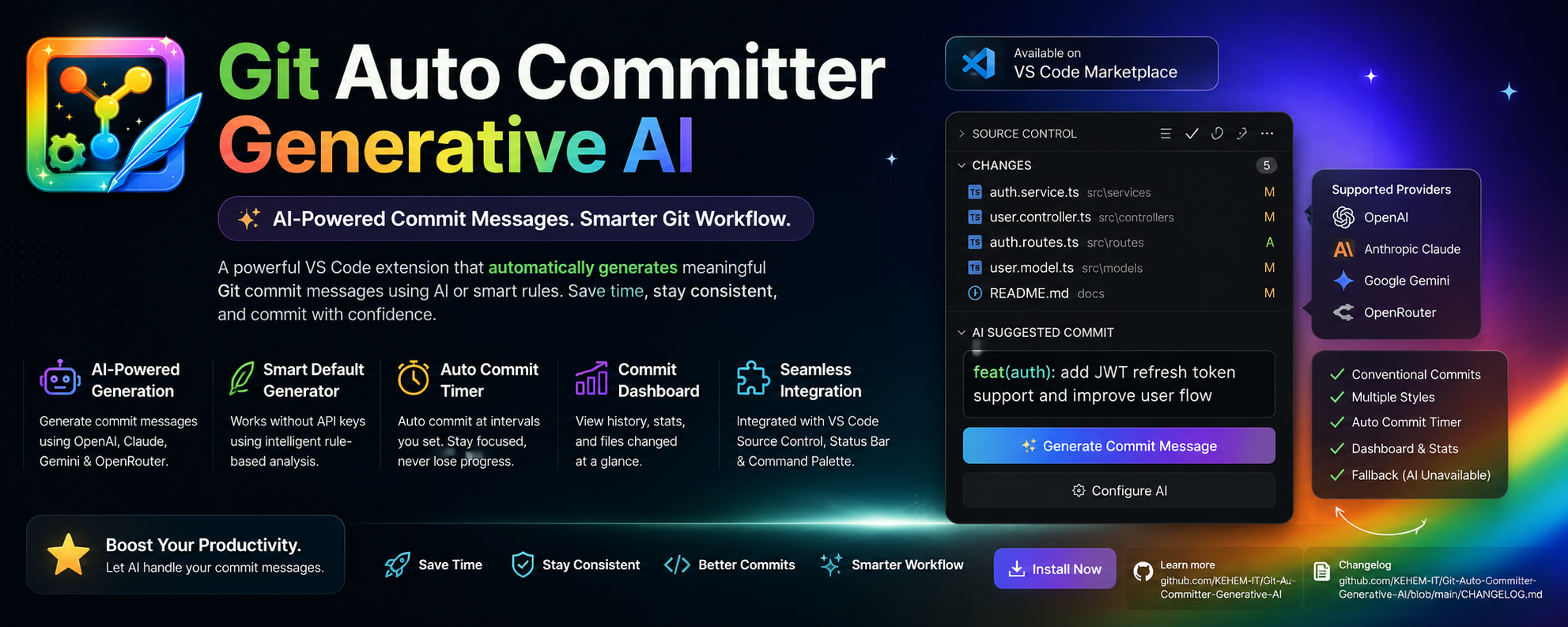
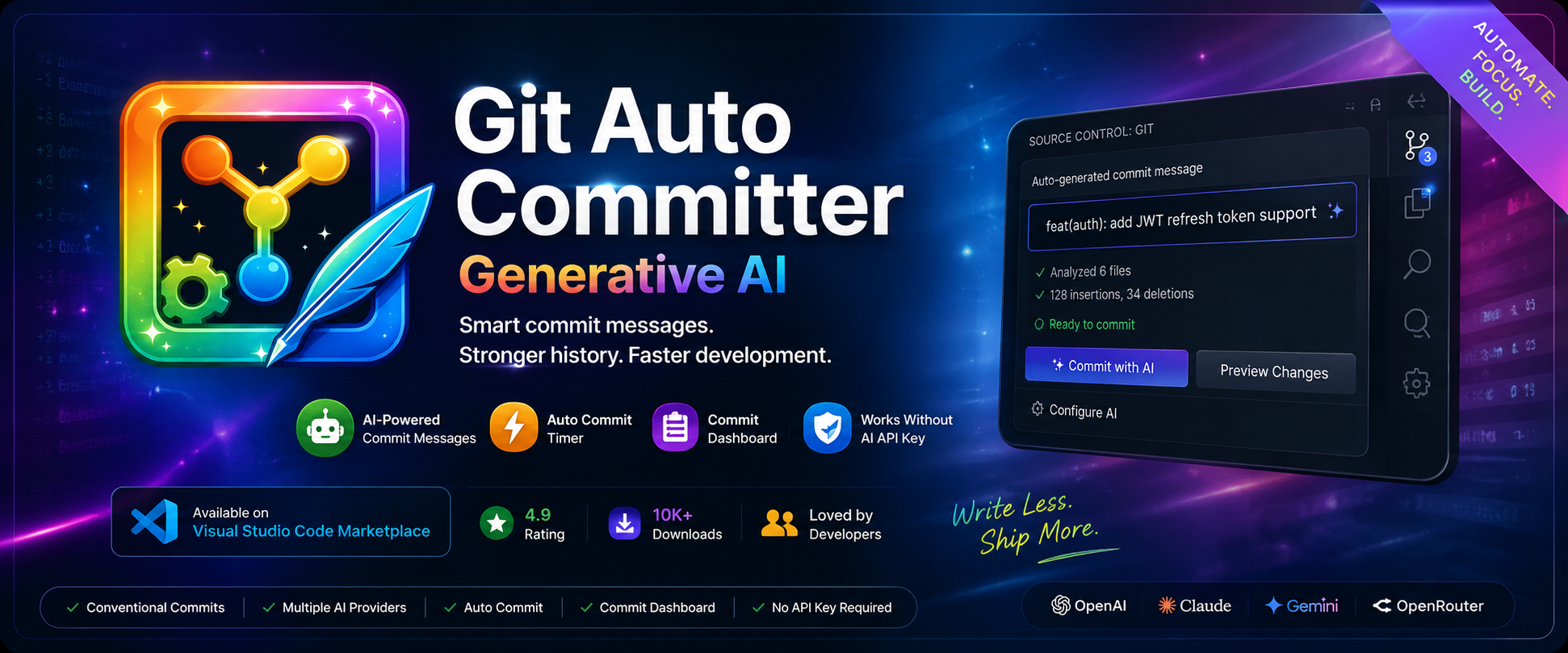
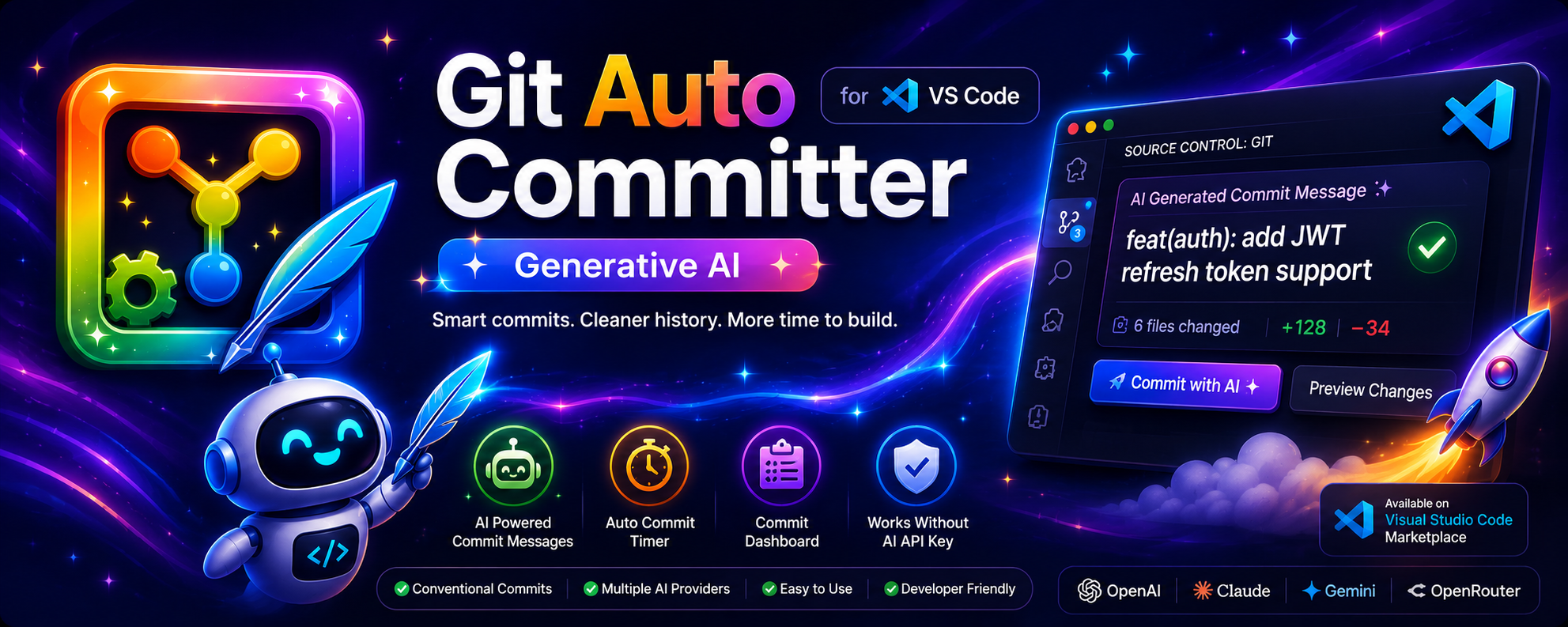
real diff in → real commit message out, every time
Everything around the commit, handled
Message generation is the headline, but the extension covers the whole loop — from noticing you forgot to commit, to keeping a dashboard of what you shipped.
AI-powered messages
Context-aware generation from your real diff, following conventional-commit best practices, across four providers.
Smart default generation
No API key? No problem. Three built-in styles read your file changes and write a clean message without any AI at all.
Auto-commit timer
Commit on a schedule from 1–120 minutes, with or without confirmation — your call on how hands-off to go.
Live commit dashboard
Stays in sync with real git log — whether you commit here, in Source Control, or the terminal.
Uncommitted-change reminders
A gentle nudge on your own interval, so nothing sits unstaged and forgotten at the end of the day.
Status bar & commands
Every action is one click from the status bar, or one command away from the palette. No context switching.
See it generate, live
Real recordings — no mockups. This is exactly what happens on your own repo.
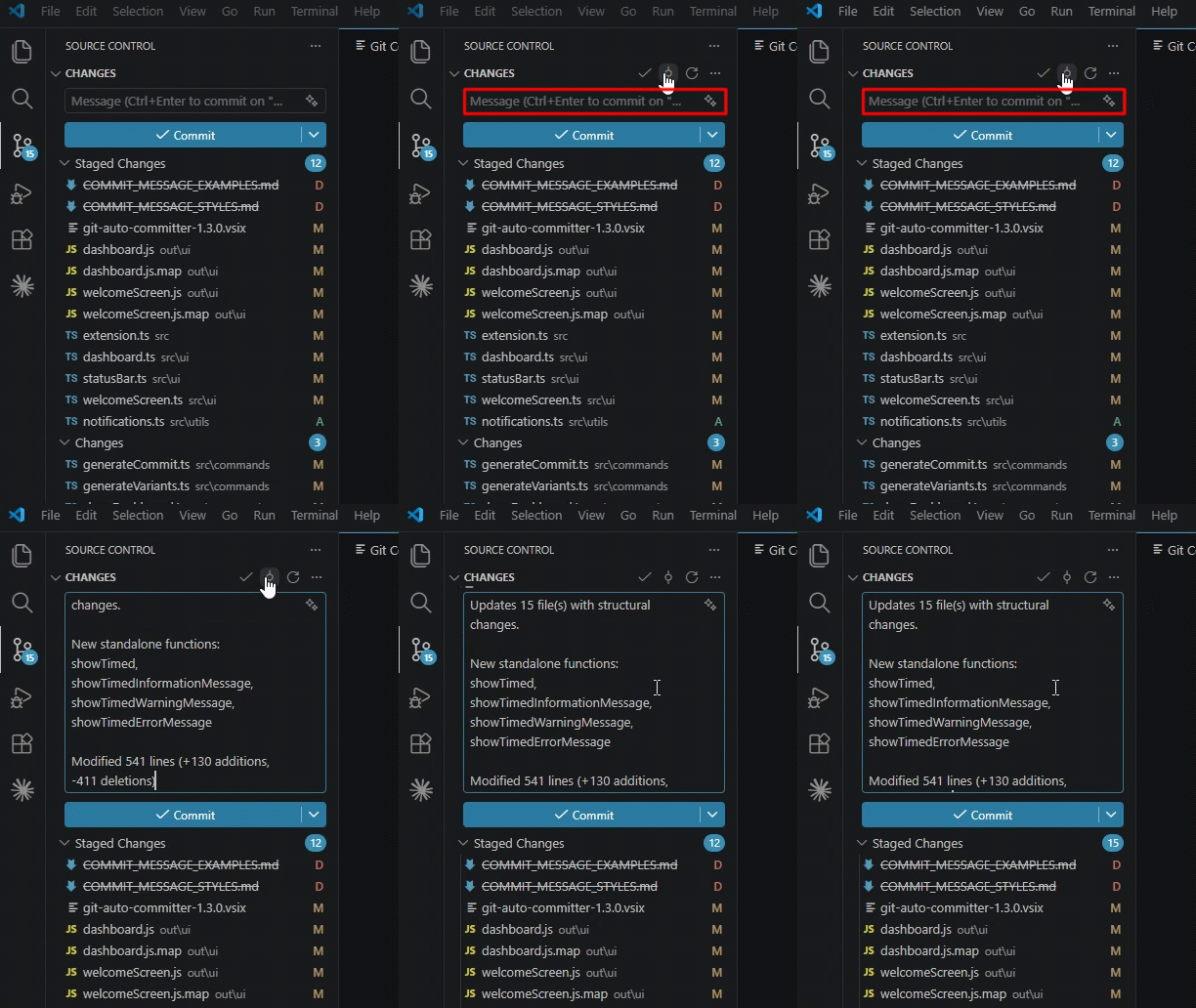
One-click generation from the status bar
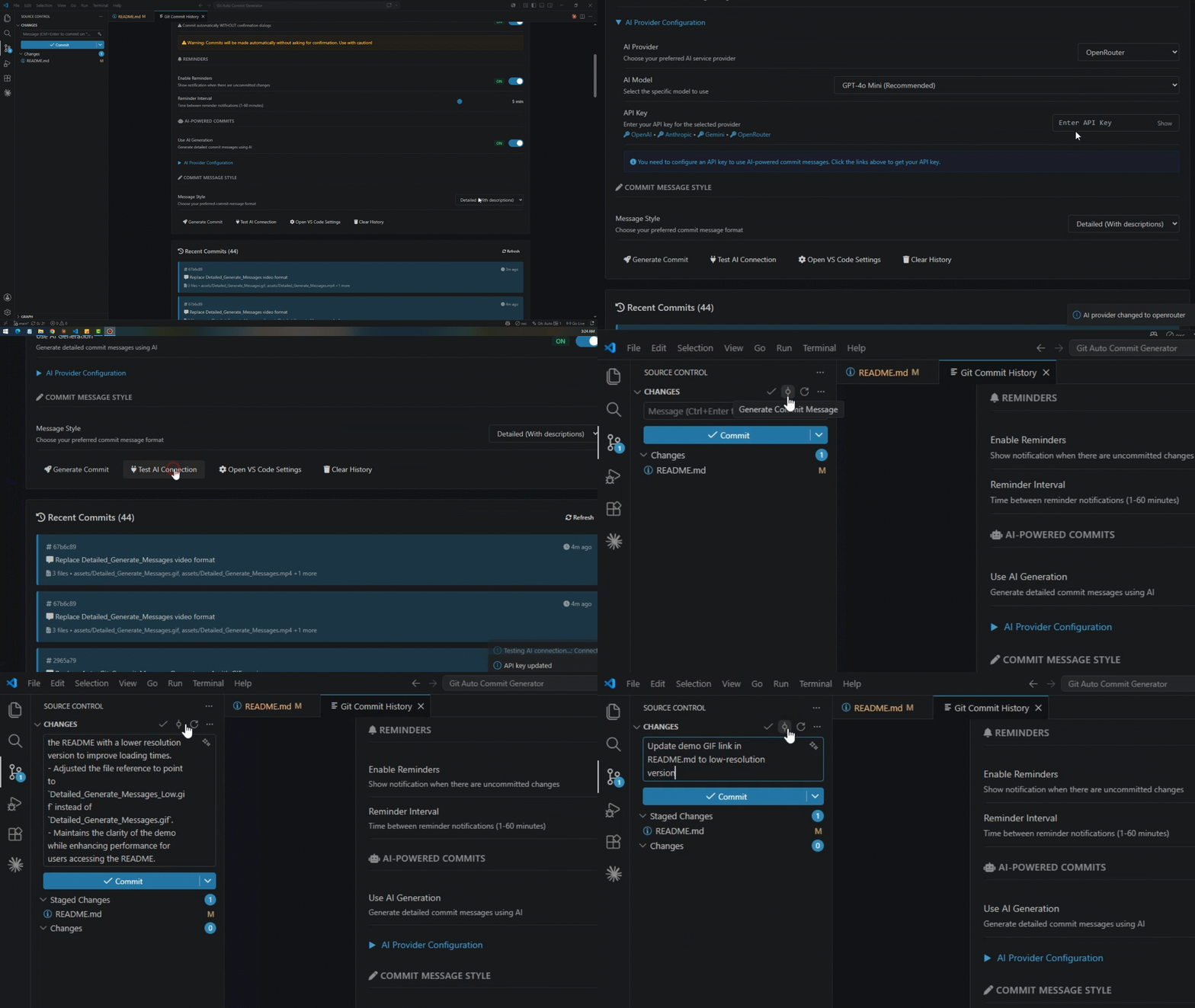
AI provider setup → generated message
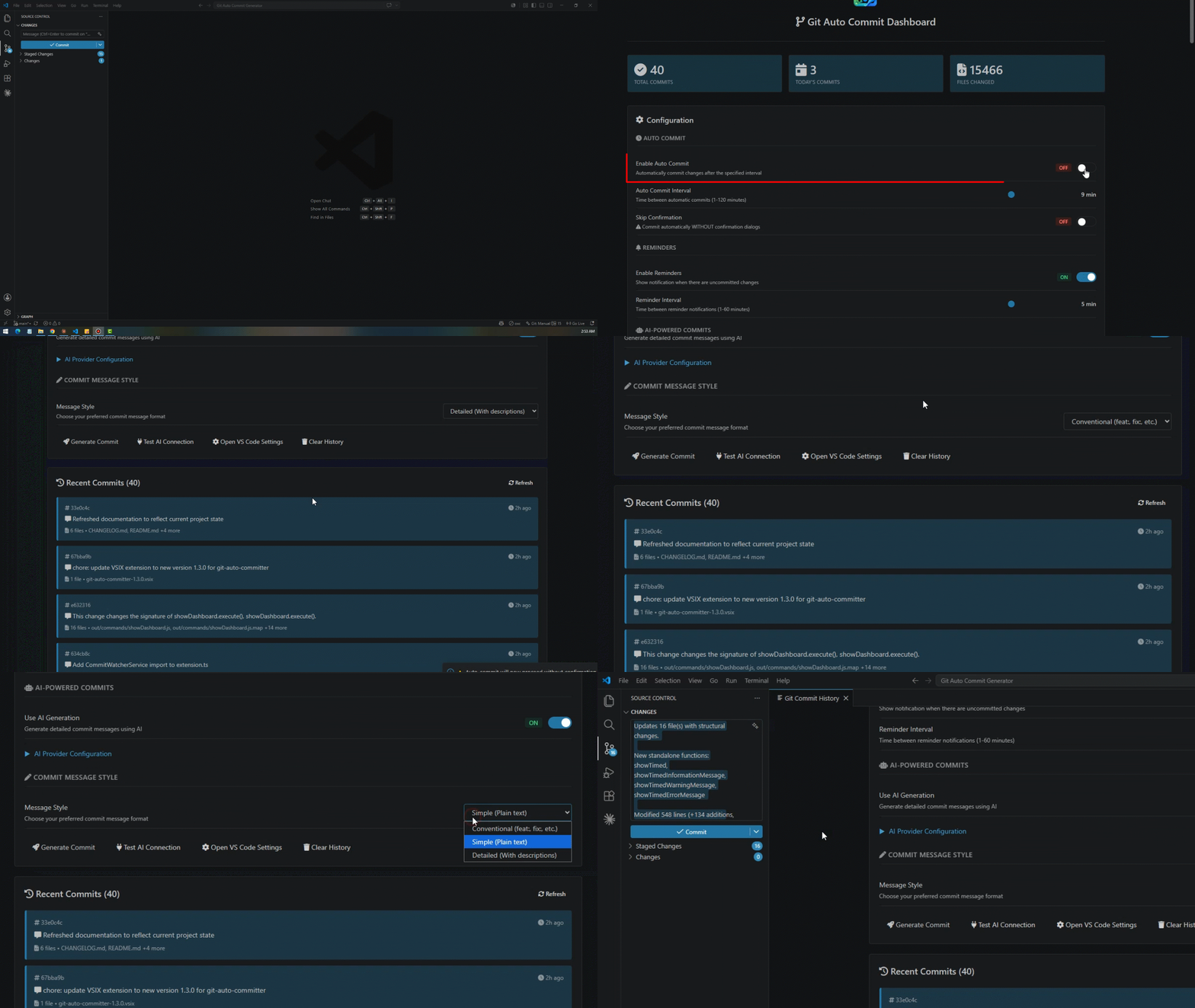
Detailed style, narrated changes
Dashboard — stats & history
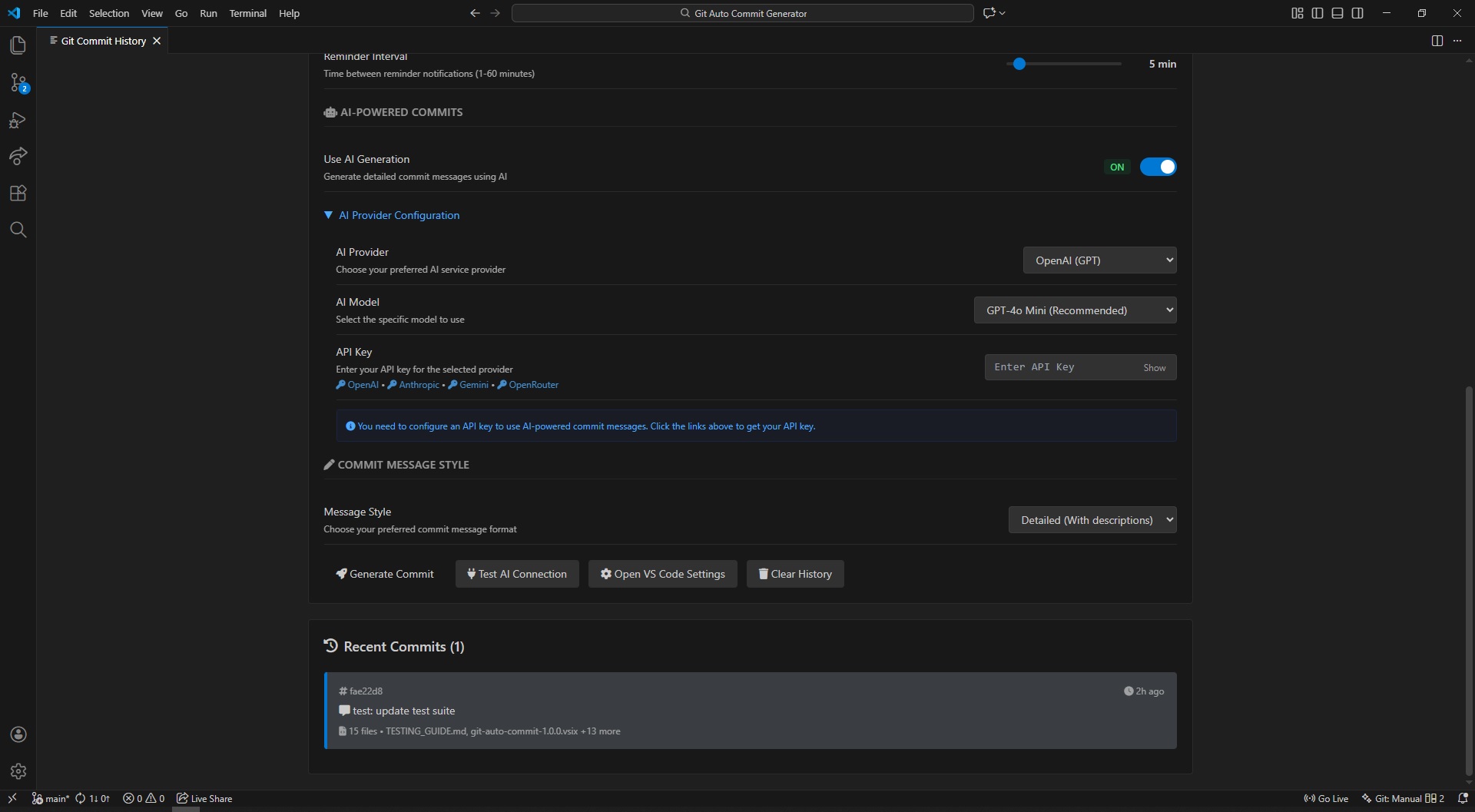
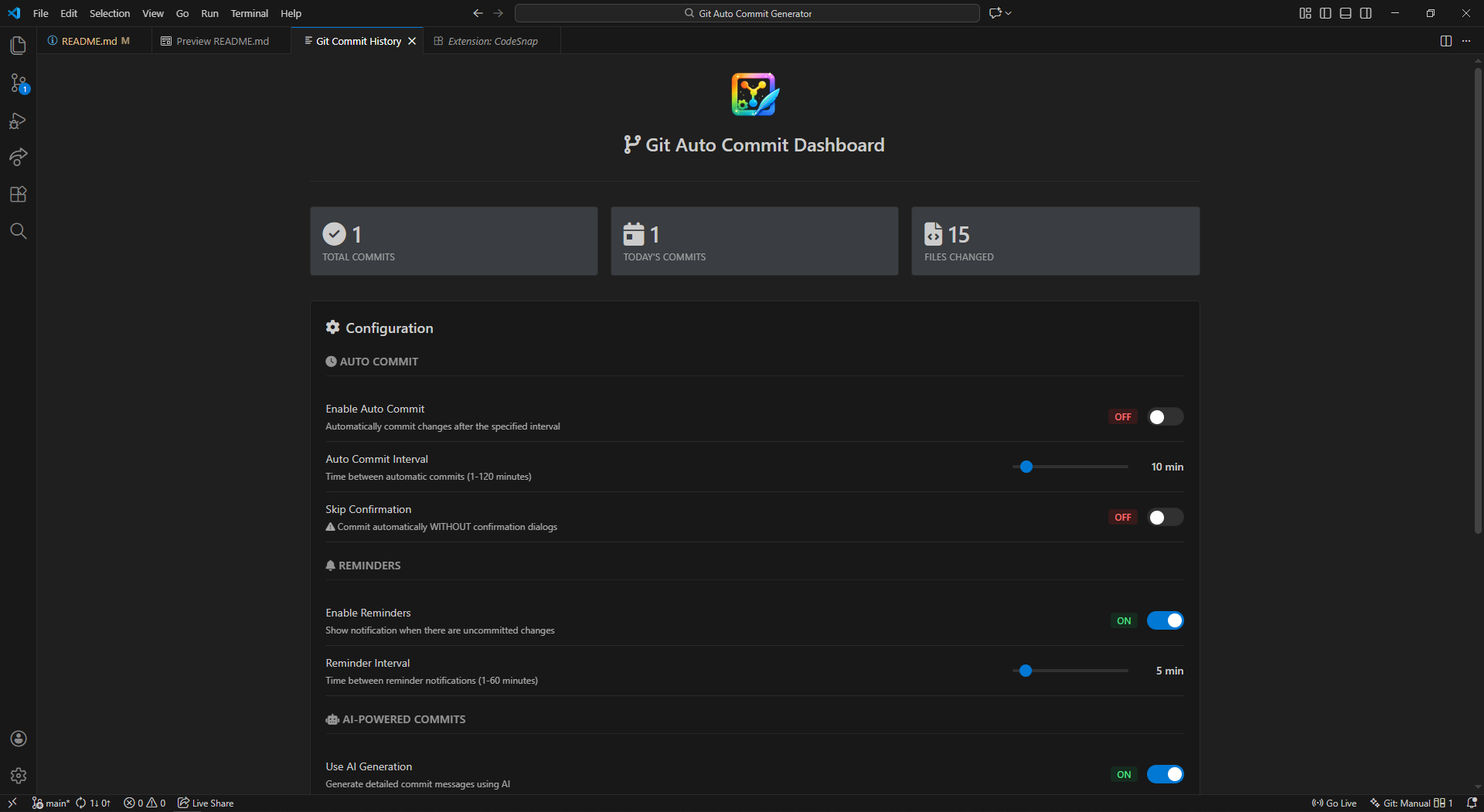
Dashboard — configuration
Pick how your history reads
Works identically whether AI is on or off — the same three styles apply to the smart default generator.
feat(src): update 3 ts files
3 files changed:
45 insertions(+)
12 deletions(-)
Updated 5 TypeScript files
in src
Enhanced 3 files with
improvements
Changes include: Updated 3
TypeScript files
+67 additions -23 deletions
Bring your own key, or don't
The AI Model dropdown pulls your account's live, current models straight from each provider — never a stale hardcoded list.
OpenAI
gpt-4o, gpt-4o-mini, gpt-4-turbo
Get API keyAnthropic
Claude 3.5 Sonnet, Claude 3 Opus
Get API keyGoogle Gemini
gemini-pro, gemini-pro-vision
Get API keyOpenRouter
Hundreds of hosted models
Get API keyNo key on hand? Leave Use AI Generation off — the default generator needs nothing from you.
Four commits from now, this is muscle memory
The welcome screen walks you through this once. After that, it's a single click.
-
Install the extension
Grab the latest
.vsixfrom Releases, or search the Marketplace for "Git Auto Commit Generator AI". -
Make your changes
Code like normal. Nothing to configure yet — the welcome screen offers to set your preferences on first launch.
-
Generate a commit message
Command Palette →
Generate Commit Message, or click the status bar icon. -
Review and commit
Source Control opens with the message already staged. Read it, tweak if you like, click commit.
From the Command Palette
Git Auto Commit: Generate Commit Message
Git Auto Commit: Show Dashboard
Git Auto Commit: Configure AI
Git Auto Commit: Toggle Auto Commit
AI-powered, in three lines
{
"gitAutoCommit.useAIGeneration": true,
"gitAutoCommit.aiProvider": "anthropic",
"gitAutoCommit.aiApiKey": "sk-ant-…"
}
Full setting reference, troubleshooting, and style examples live in the project README.
Your next commit message
writes itself.
Free, open source, MIT licensed. Works with or without an API key.