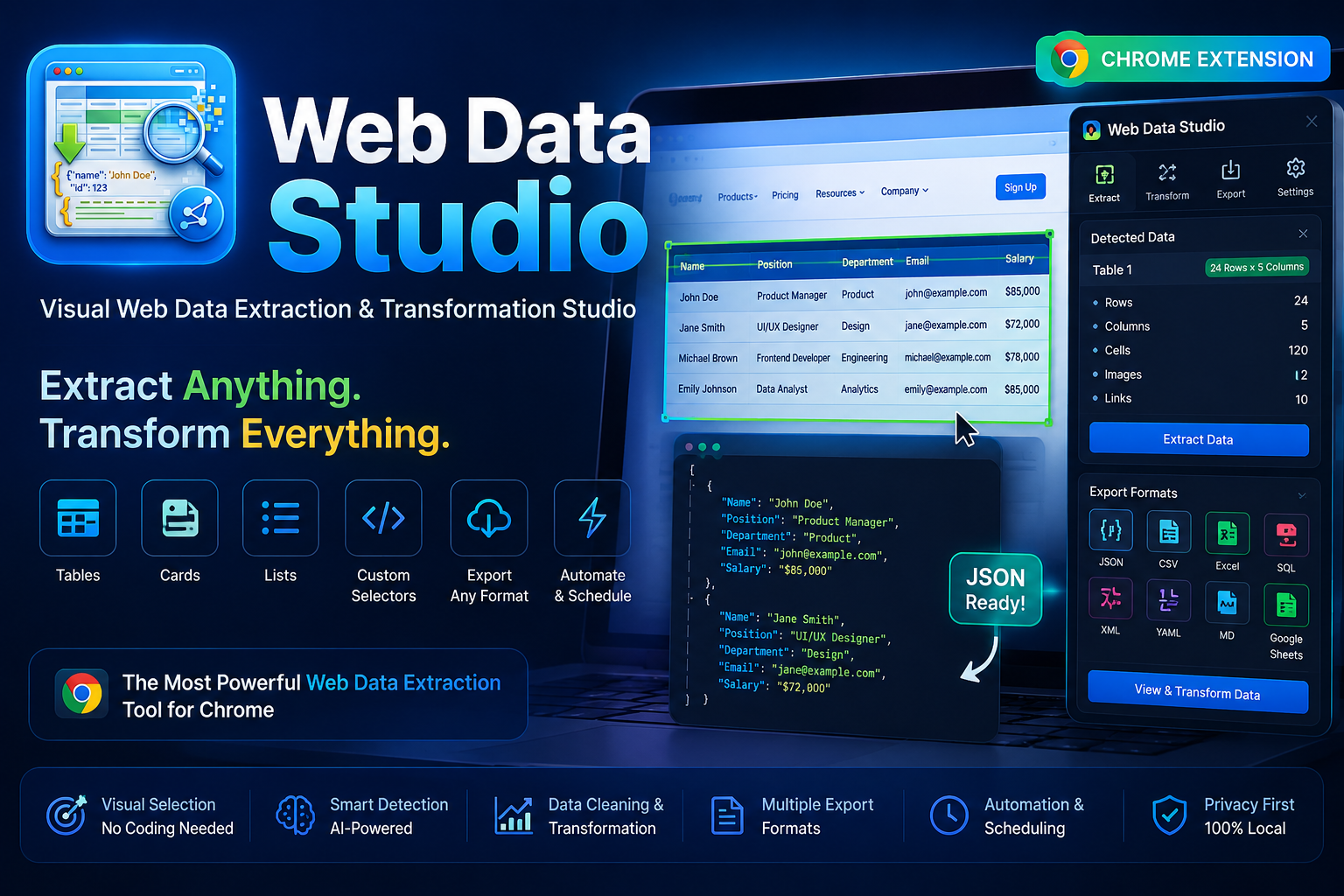
Web Data Studio turns tables, cards, lists and grids on any page into clean, structured data — picked visually, previewed live, and exported in the format you need. All local, no server, no tracking.
<features>
Six modules that take you from a messy page to a clean dataset. Hover a card — it behaves like the picker itself.
<detect />
Finds native tables, semantic lists, and repeated card/grid patterns automatically — and fingerprints libraries like AG Grid, Tabulator, Handsontable, Kendo Grid, DataTables, Bootstrap Table, PrimeVue, Vuetify, Element Plus, Ant Design and MUI.
<picker />
A DevTools-style inspector overlay. Hover to highlight, click to select — right from the popup, the side panel, or Ctrl+Shift+P.
<preview />
An editable preview table — click any cell to edit, drop rows or columns inline. One-click trim, de-duplicate, and case conversion (UPPER / lower / Title).
<resources />
Finds every image, video and audio file on the page. Select what you need and zip it for download — entirely in the browser, no upload required.
<export />
JSON, JSON Lines, CSV, TSV, Markdown, HTML, XML, YAML, or SQL INSERT
statements — with a live preview pane and one-click copy or download.
<web-export />
Export the entire current page — not just a picked selection — to Excel, CSV, PDF, Markdown, HTML, or TXT in one click, with a live spreadsheet/PDF/rendered preview and an editable text view before saving.
<history />
Every extraction is saved locally, so you can revisit or re-export a past session without re-scanning the page.
<demo>
<walkthrough>
A complete tour — detection, picking, cleaning, transforming, exporting, and everything in between.
<screenshots>
Click any frame to zoom in.
<install>
Stable builds ship as a ready-to-use v1.5.0.zip
on the Releases page.
1 download v1.5.0.zip
2 unzip v1.5.0.zip
3 open chrome://extensions
4 enable "Developer mode"
5 click "Load unpacked" → select the unzipped folder
Then pin the extension and press Ctrl+Shift+D to open it.
<roadmap>
<faq>
Web Data Studio is a free, open-source Chrome extension that visually detects and extracts tables, lists, cards, and grids from any webpage, then lets you clean, transform, and export the data locally — with no server and no tracking.
Web Data Studio exports to JSON, JSON Lines, CSV, TSV, Markdown, HTML, XML, YAML, and SQL
INSERT statements, with a live preview and one-click copy
or download.
Yes. Web Data Studio is free and open source under the MIT License, distributed as a ready-to-use v1.5.0.zip on its GitHub Releases page.
No. All detection, extraction, cleaning, and export happen locally inside your browser. Web Data Studio does not use a server and does not track usage.
Web Data Studio is built for Google Chrome using Manifest V3. It also works in other Chromium-based browsers that support Chrome extensions, such as Microsoft Edge, Brave, and Opera.
Ordinary HTML pages as well as sites built with React, Vue, Angular, Next.js, WordPress, and Shopify. It also recognizes common data-grid libraries including AG Grid, Tabulator, Handsontable, Kendo Grid, DataTables, Bootstrap Table, PrimeVue, Vuetify, Element Plus, Ant Design, and MUI.
Yes. The built-in File & Resource Extractor finds every image, video, and audio file on the page, lets you select what you need, and zips it for download, entirely inside the browser.
Yes. The Web tab's Export sub-tab (added in v1.5.0) exports the entire current page in one click to Excel (.xlsx), CSV, PDF, Markdown, HTML, or TXT, with a live visual preview and an editable text view before saving.
Not yet in v1.5.0. Scheduled, batch, and DOM-watch automation is planned as part of the upcoming Automation Studio module — see the roadmap above.
Open an issue on the GitHub Issues page. Web Data Studio is open source under the MIT License, and bug reports, feature requests, and pull requests are all welcome.